
Printer Brands Explained: Technologies, Ink Systems, and Test Page Behavior
Printers are often discussed as simple output devices, but in real-world use, each brand follows a distinct design philosophy. After working with different printer models across home, office, and commercial environments, one thing becomes clear: understanding brand-specific technology makes test pages far more meaningful than relying on trial-and-error fixes.
This guide explains how major printer brands approach printing technology and why their test pages reveal different types of diagnostic information instead of generic results.
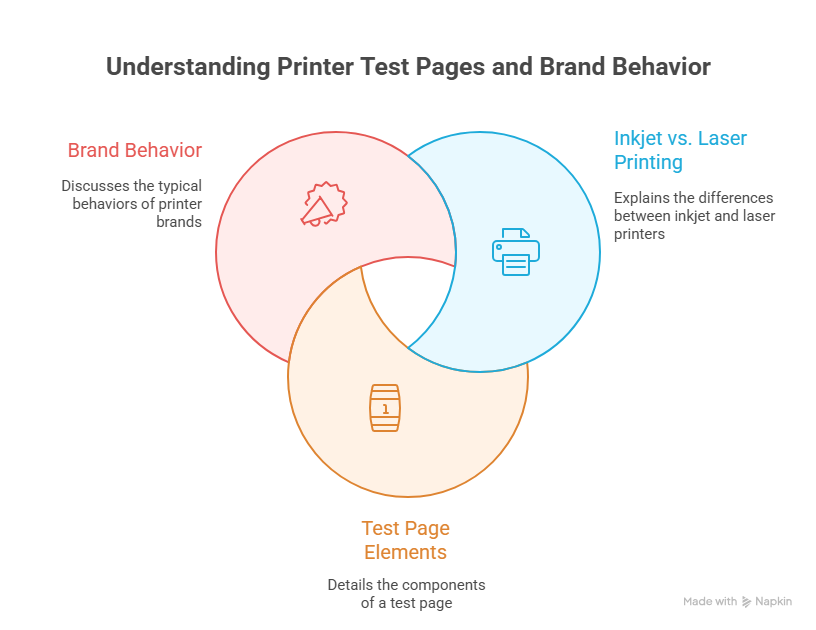
How Printer Brands Differ at a Technical Level
Printer brands do not just differ in price or appearance. The real differences lie in how they manage ink delivery, toner density, driver logic, and calibration routines. These internal decisions directly influence what appears on a printer test page.
In practice, some brands prioritize color accuracy, while others focus on speed, efficiency, or long-term durability. Test pages are designed around these priorities, which is why the same issue may appear differently across brands.
Inkjet vs Laser Brand Philosophies
Inkjet-focused brands usually design test pages that highlight nozzle precision, ink flow consistency, and color blending. Laser-focused brands emphasize toner density, alignment, and drum performance.
This distinction matters because many users assume a defect when they see differences that are actually normal brand behavior. Understanding this prevents unnecessary cleaning cycles or cartridge replacements.
For a general overview of how test pages function across printers, readers can refer to
how to print and check your printer.
HP Printer Ecosystem and Test Page Design
HP printers are designed around thermal inkjet and laser optimization. Their test pages often emphasize alignment patterns and ink density blocks, making it easier to detect cartridge-level issues early.
In troubleshooting scenarios, HP test pages are often the fastest way to confirm whether a problem is related to cartridge seating or driver communication rather than hardware failure.
To understand HP-specific behavior in detail, see
HP printer test pages.
External brand reference:
HP official website
Epson Printer Technology and Output Behavior
Epson printers rely heavily on precision-based ink delivery systems. Their test pages are particularly sensitive to nozzle condition and ink flow consistency.
In real usage, even minor nozzle inconsistencies tend to appear clearly on Epson test outputs. This is why Epson test pages are often used as benchmarks for long-term print stability, especially in environments where printers remain idle for extended periods.
Related internal guide:
Epson printer test pages
Canon Print Accuracy and Color Emphasis
Canon printers, especially their PIXMA and image CLASS lines, are known for color balance and tonal accuracy. Canon test pages frequently highlight gradient transitions and color blocks designed to reveal subtle shifts.
This design philosophy favors visual fidelity over aggressive diagnostics. As a result, Canon test pages are particularly useful when diagnosing photo quality or color consistency issues rather than mechanical faults.
Canon model-specific testing is covered here:
Canon printer test pages
Lexmark Printers and Business-Focused Output
Lexmark printers are commonly designed for office and enterprise use. Their test pages emphasize toner density, text clarity, and driver communication.
In business environments, Lexmark test outputs are especially useful for identifying software or driver-related inconsistencies that may not appear on simpler consumer models.
Internal references:
Lexmark printer test pages
Lexmark drivers and software
Why Brand Awareness Improves Test Page Interpretation
When users understand brand behavior, they stop treating test pages as generic results. This awareness reduces unnecessary troubleshooting and helps distinguish between expected output and real faults.
Using a standard printer test page makes these brand-specific differences easier to identify during comparison, especially when testing multiple printers side by side.
Conclusion
Printer brands are not interchangeable in how they produce output. Their test pages reflect internal technologies, design priorities, and intended usage scenarios.
Recognizing these differences transforms test pages from confusing printouts into practical diagnostic tools that support faster, more accurate troubleshooting.