Complete Printer Paper Guide: Size, Type, and Printing Quality
From faded colors to blurry text and frequent paper jams, choosing the wrong paper quietly ruins print quality.
This guide explains how printer paper size, type, and quality actually affect output—based on hands-on printing experience and modern standards.

Understanding Printer Paper Sizes
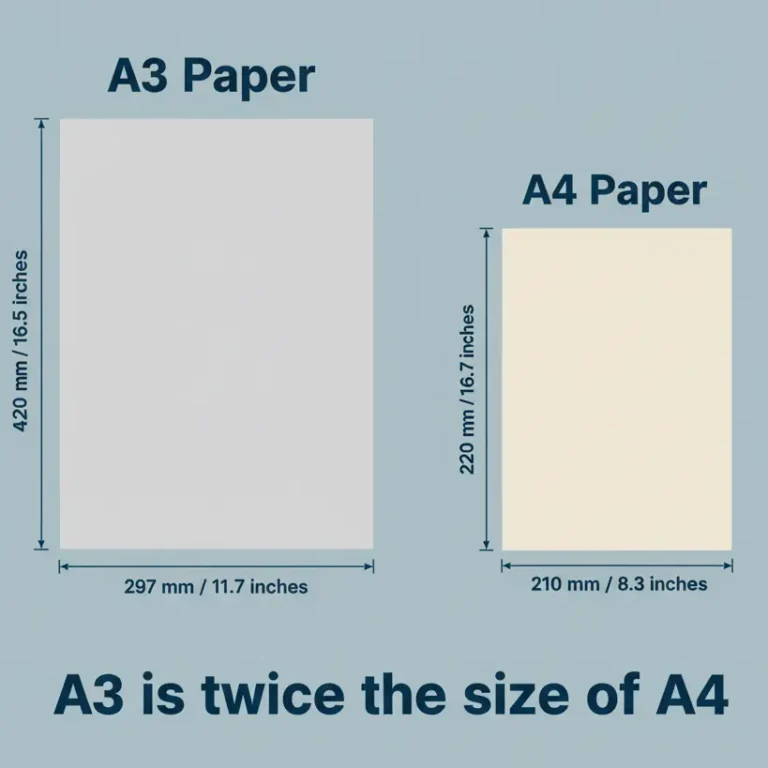
Most printers worldwide follow ISO paper standards. The most commonly used sizes are A4 and A3.
Many users still ask
is A3 bigger than A4
, especially when layouts appear cropped or scaled incorrectly.
Using unsupported paper sizes often leads to wasted ink and repeated reprints.
A3 vs A4: Practical Size Comparison
| Feature | A3 | A4 |
|---|---|---|
| Best Use | Posters, diagrams | Documents, reports |
| Printer Support | Limited | Widely supported |
| Ink Usage | High | Moderate |
In everyday printing environments, A4 remains the most efficient and reliable option.
A3 printing should only be used when the printer hardware and driver fully support it.
Printer Compatibility and Paper Behavior
Different printer technologies handle paper differently. Inkjet printers absorb ink into paper fibers,
while laser printers rely on heat to fuse toner.
This is why understanding how
printer test pages
work helps identify paper-related issues before blaming ink or cartridges.
Paper Types and Real-World Impact
- Plain paper – everyday documents
- Glossy paper – photos and marketing prints
- Matte paper – text clarity with reduced glare
- Cardstock – certificates and covers
- Sublimation paper – custom products only
Using the wrong paper type—such as glossy stock in a laser printer—is one of the most common causes of smudging and paper jams.
Paper Weight (GSM) and Printer Limits
Paper thickness is measured in GSM. Most home and office printers are designed for 70–120 GSM.
Exceeding the supported range often causes misfeeds, skewed prints, and long-term roller wear.
DPI, Paper Size, and Printing Quality
DPI (Dots Per Inch) directly controls detail and sharpness.
Larger paper sizes require higher DPI to maintain clarity.
Low DPI on large paper almost always results in blurry output, even on high-end printers.
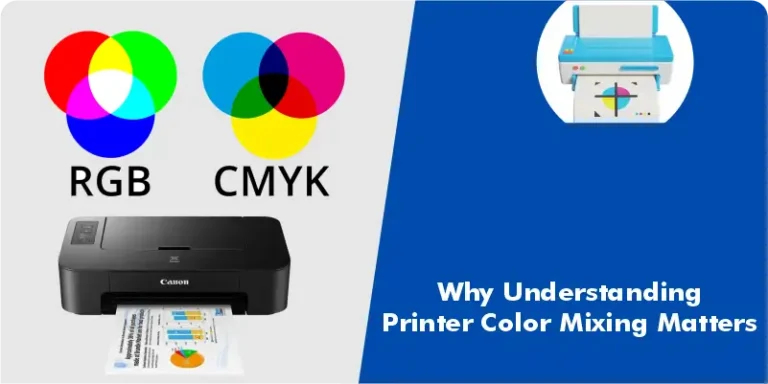
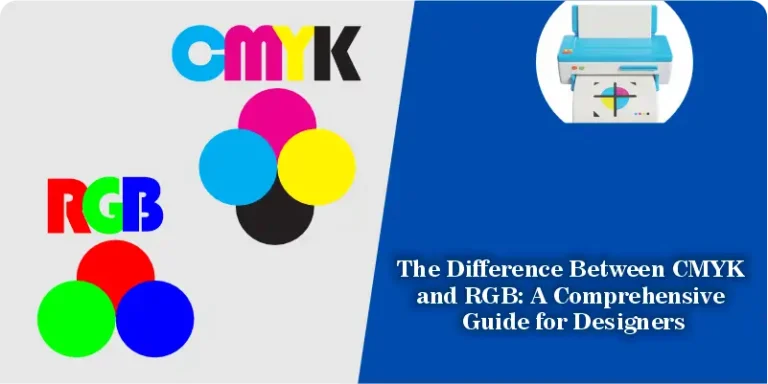
Color accuracy is also influenced by how printers process color data.
Understanding
the difference between CMYK and RGB
helps prevent unexpected color shifts when printing images and graphics.
Color Output and Paper Interaction
Paper coating directly affects how colors mix and settle on the surface.
Absorbent paper dulls colors, while coated paper preserves vibrancy.
This is why
printer color mixing
behaves differently across paper types.
Testing Paper Before Final Printing
Before starting large print jobs, running a test page helps verify alignment, density, and paper handling.
For inkjet users, learning how to
print a test page for your inkjet printer
can prevent unnecessary ink and paper waste.
Special Use Case: Custom Printing
Custom products such as mugs require specialized paper.
Standard paper cannot handle heat transfer properly, which is why
photo mug printing
depends entirely on sublimation-coated paper.
Choosing the Right Paper (Quick Guide)
- Office documents → A4, 80 GSM plain paper
- Posters and layouts → A3, 100+ GSM matte paper
- Photos → Glossy paper with high DPI
- Certificates → Thick A4 landscape paper
Conclusion
Professional print quality is not achieved by printers alone.
It comes from matching paper size, type, weight, and DPI to the printer’s design.
Once paper selection is done correctly, most printing problems disappear without further adjustments.
This guide is part of the broader printing knowledge base available at
Print Test Page Tool
,
where users can test, diagnose, and improve print output with confidence.
Industry documentation published by
Brother’s official printing resources
supports the same principle: correct paper selection is fundamental to consistent print quality.