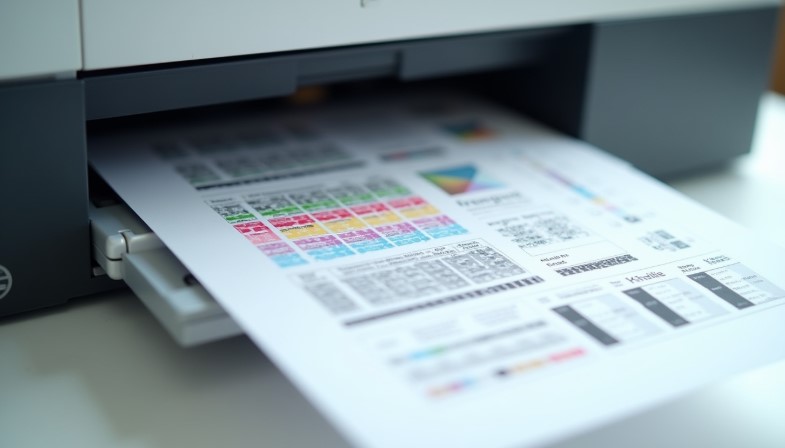
Printer Test Pages Explained: How to Read, Analyze, and Diagnose Print Quality
Most users treat a printer test page as a simple print check. In real-world troubleshooting, however, technicians rely on test pages as a diagnostic language. After years of working with inkjet and laser printers, one thing becomes clear: a properly read test page can reveal more about a printer’s condition than most software error messages ever will.
A test page is not just proof that ink comes out of the printer. It is a controlled output designed to expose alignment issues, nozzle behavior, color accuracy, and density problems before they turn into larger hardware failures.
What Is a Printer Test Page and Why It Exists
Printer manufacturers include test pages to create a controlled and repeatable output. Unlike real documents, a test page removes variables such as file formatting, software profiles, and font rendering.
Because every element on a test page is intentional, technicians use it as a baseline reference. If a problem appears on a test page, it usually confirms a printer-side issue rather than a document or software problem.
Printer test pages follow controlled evaluation principles, many of which align with international printing standards used across the global printing industry.
Different Types of Printer Test Pages
Black & White Test Pages
Black and white test pages focus on text clarity, line sharpness, and grayscale consistency. They are especially useful for detecting partial nozzle clogs, toner density problems, and early signs of fading.
Color Test Pages
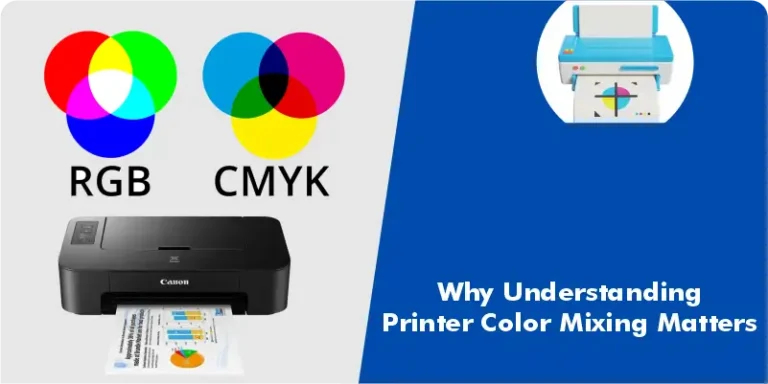
Color test pages are designed to reveal how accurately a printer mixes cyan, magenta, yellow, and black inks or toners. Gradients, solid blocks, and transition areas highlight imbalance that may not be obvious in everyday documents.
A dedicated color test page helps identify color imbalance and gradient issues before assuming a hardware failure.
Inkjet vs Laser Test Pages
Inkjet test pages emphasize nozzle output and ink flow consistency, while laser test pages focus on toner distribution, drum condition, and transfer accuracy. Understanding this difference prevents misdiagnosing laser issues as ink problems or vice versa.
How to Read a Printer Test Page Correctly
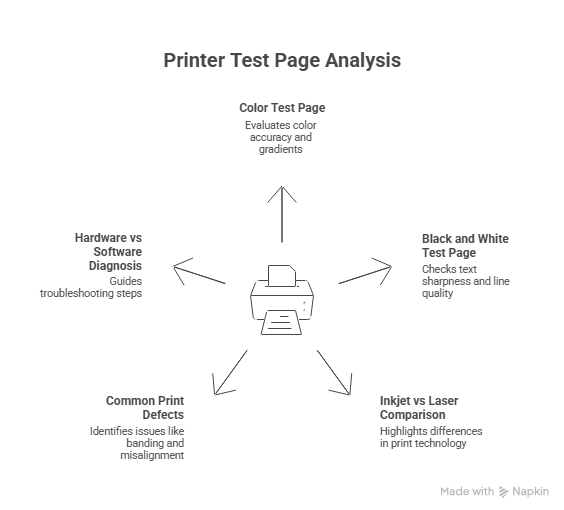
Reading a test page correctly requires knowing what normal output should look like and what patterns indicate trouble.
Solid blocks should appear even, without streaks or patches. Lines should be straight and continuous, and alignment patterns should not appear doubled or skewed.
Understanding nozzle behavior is essential when interpreting missing lines or broken patterns on a test page.
If defects appear in the same position on every print, the issue is usually physical. If defects move or change between prints, ink flow or software settings are often responsible.
What Test Pages Reveal About Print Quality
Test pages commonly expose banding, fading, ghosting, and density inconsistencies. These symptoms help narrow down whether the issue lies in the print head, toner system, or media interaction.
Paper type plays a critical role in how ink is absorbed and reflected on a printer test page. Using the wrong paper type can make a healthy printer appear faulty.
Brand-Specific Test Page Behavior
Different printer brands design test pages to highlight specific performance metrics, making brand awareness important during diagnosis.
HP Printer Test Pages
HP printers often emphasize alignment and ink density through their standard test pages. Reviewing HP printer test pages can quickly reveal cartridge seating or driver-level output issues.
Epson Printer Test Pages
Epson inkjet printers rely heavily on precision nozzle output, which becomes evident on their test pages. Reviewing Epson printer test pages helps identify early nozzle clogging before it becomes permanent.
Canon Printer Test Pages
Canon laser and inkjet models use test pages to display color accuracy and toner consistency. Studying Canon printer test pages helps confirm whether color shifts are mechanical or profile-related.
Lexmark Printer Test Pages
Lexmark test pages are particularly useful for identifying toner density and driver-level output issues. Lexmark printer test pages often reveal subtle transfer or fuser problems early.
Test Page vs Real Documents — What It Can and Can’t Detect
A test page confirms printer health, but it does not account for file-specific variables. Real documents introduce factors such as fonts, color profiles, and image compression.
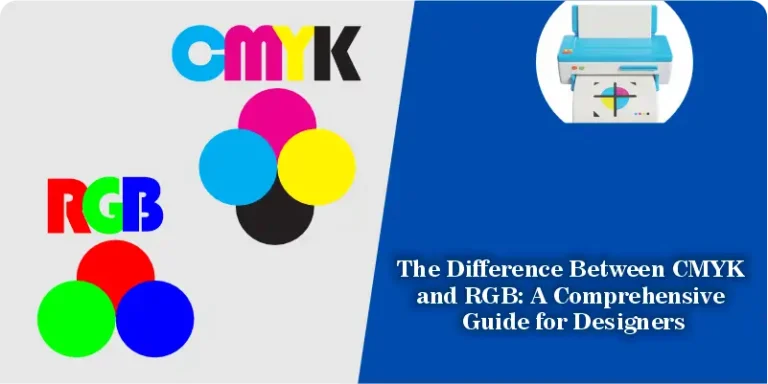
Differences between CMYK and RGB files can also affect how printed colors appear, even when the test page looks perfect.
When a Printer Test Page Is Enough — And When It Isn’t
If a test page shows consistent defects, the issue is almost always hardware-related. However, when test pages look clean but documents do not, the problem usually lies in software settings, drivers, or file preparation.
Knowing this distinction saves time and prevents unnecessary part replacements.
Using a Standard Test Page for Consistent Results
Using a standard printer test page ensures consistent results when comparing print quality across devices. Tools like the one available on
Print Test Page Tool allow repeatable testing without relying on printer-specific menus.